Team 4682 CyBears • Bishop Blanchet High School

Checking In Code to GitHub

Commit locally, push to GitHub.com, and verify — the core workflow for saving and sharing your code.

Steps

1) Make a Commit (Save your work with a message)

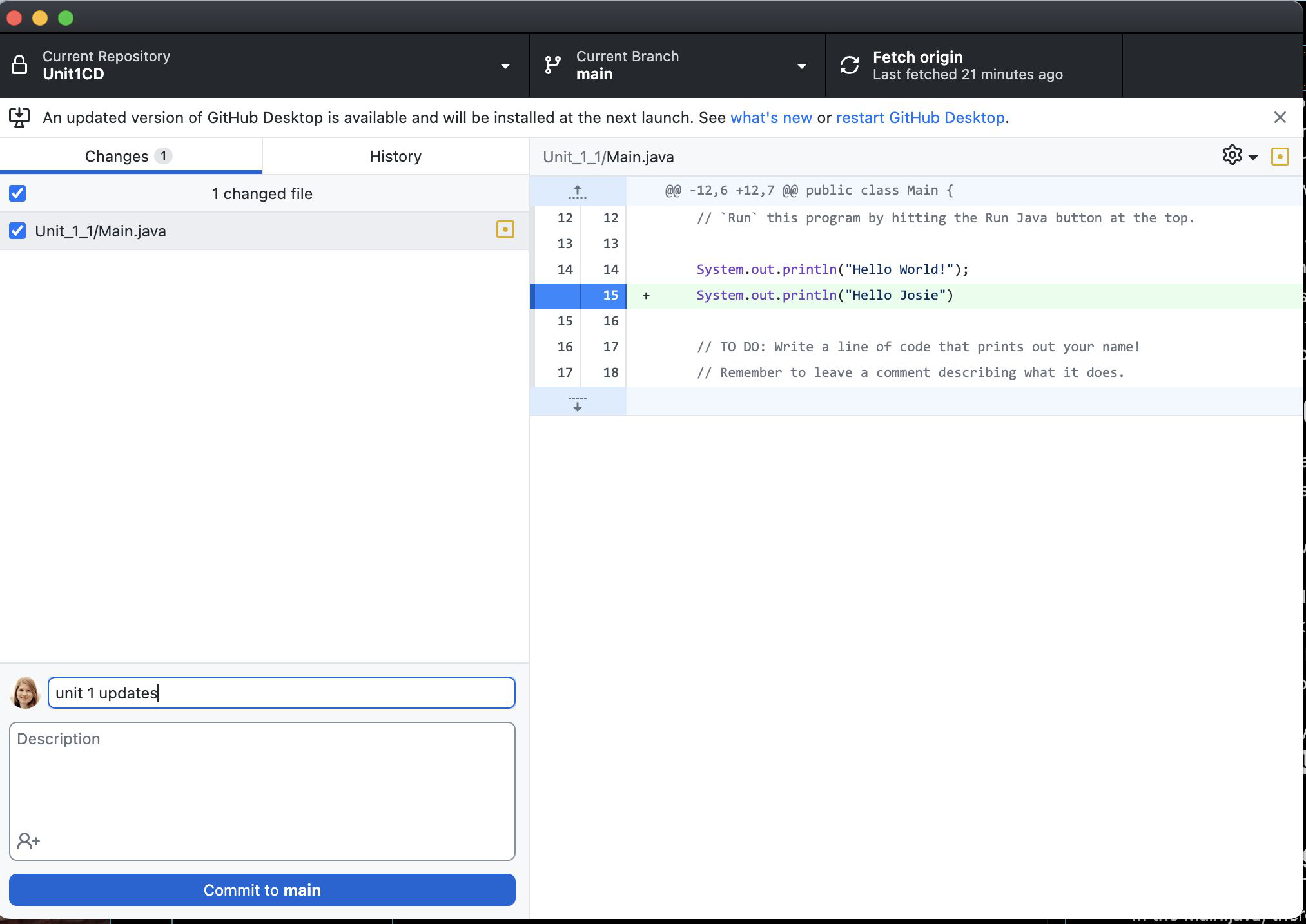
In GitHub Desktop:

  • Select the files you changed (left sidebar).
  • Write a clear commit summary (e.g., Finish Unit 1 variables exercise).
  • Optionally add a description (what you changed and why).
  • Click Commit to main (or your current branch).
Commit early and often — small commits make it easier to undo mistakes and review your progress.
2) Push your commits to GitHub

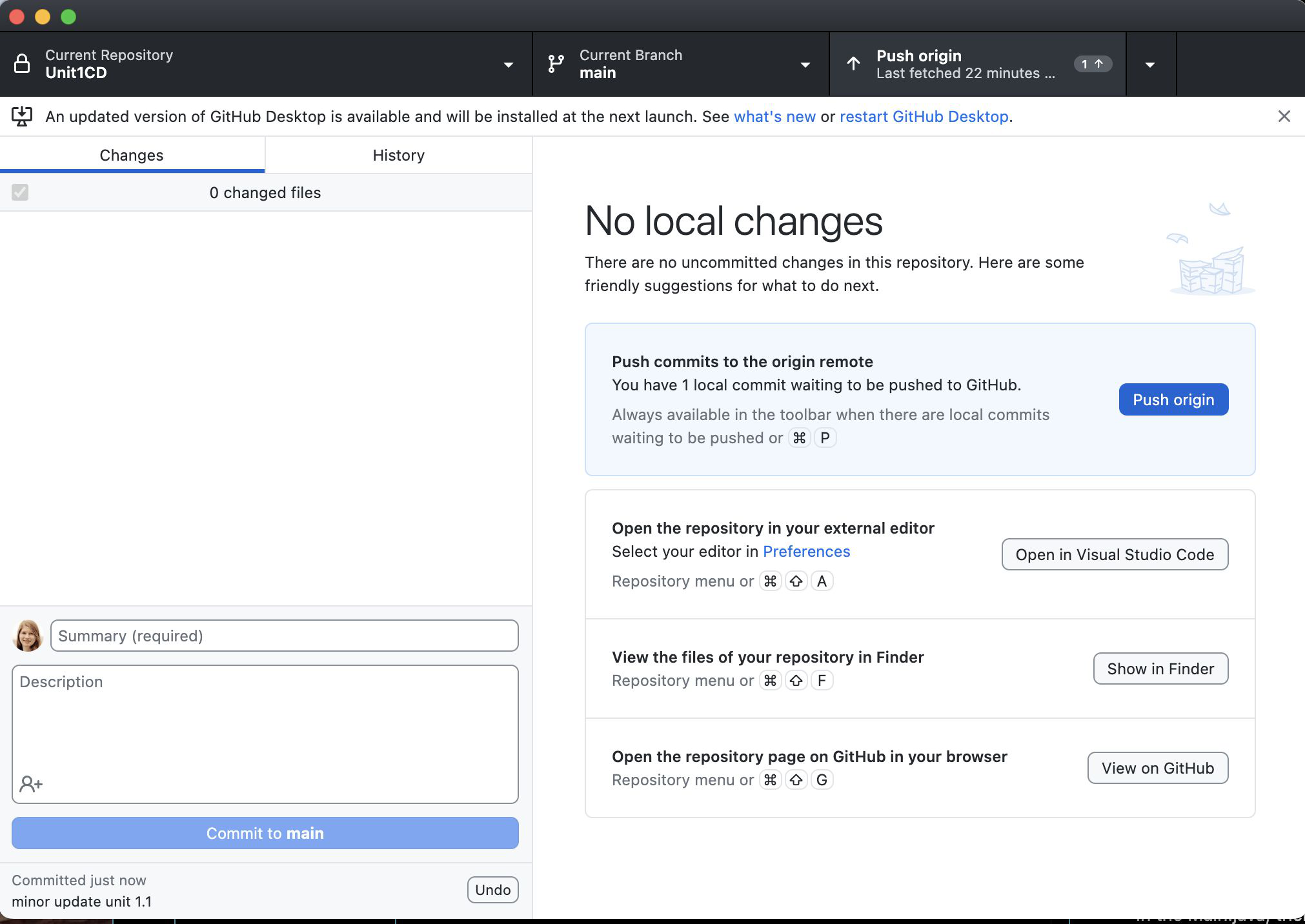
After committing locally, click Push origin in GitHub Desktop to upload your changes to GitHub.com.

This publishes your work so mentors can see it and you can access it from any computer.

3) Confirm on GitHub & keep in sync

  • Visit your repository on GitHub.com — you should see your new commits.
  • If you switch computers later, use Fetch origin and Pull in GitHub Desktop to get the latest changes.
  • Repeat the cycle: Edit → Commit → Push.
Common gotchas: Don’t forget to select the right files before committing, and remember that committing is local until you push.